Recently, I used ChatGPT to draft a lesson on school facilities for my 4th-grade (A1-) class. While the AI handled the “basics,” I soon realized that what was left for me as the teacher was everything that actually matters.
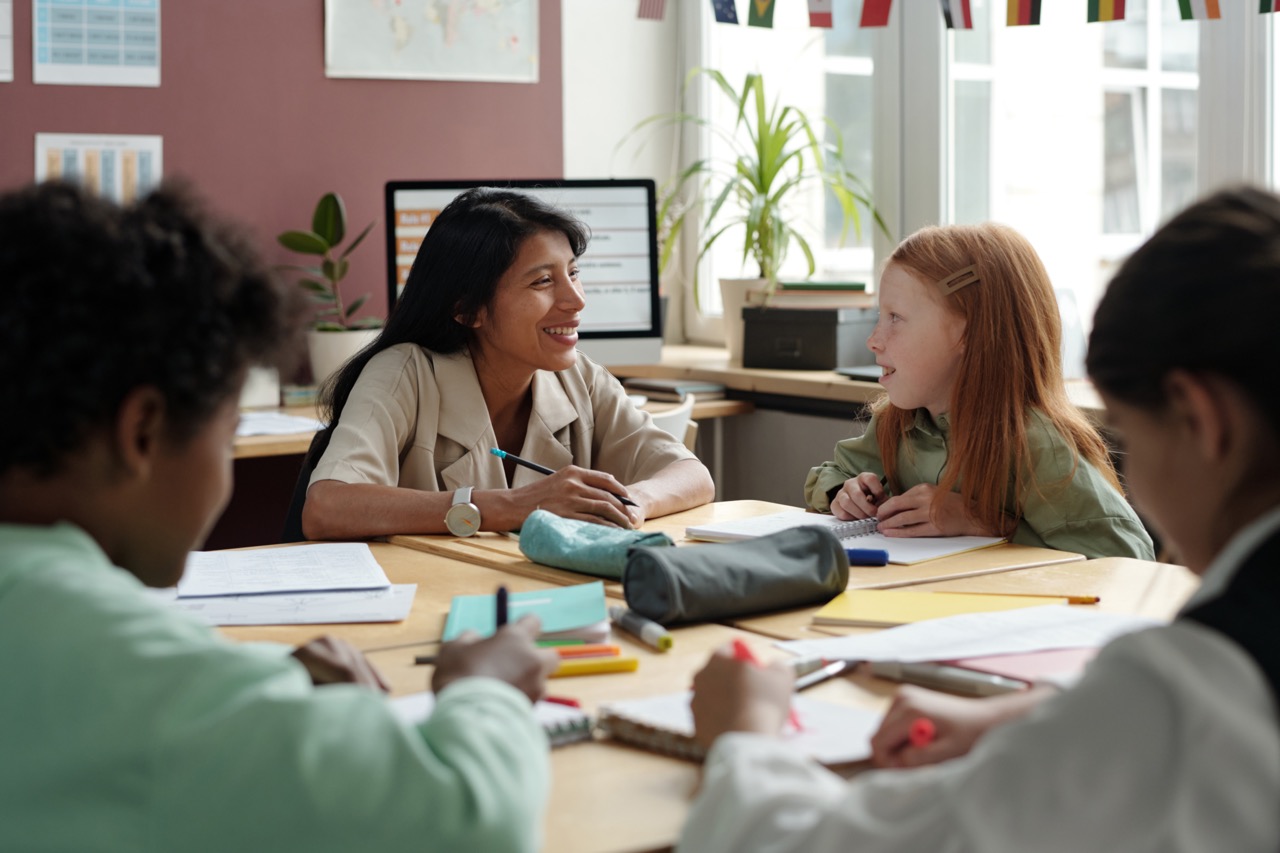
The suggested theme, “Little Explorers’ School Adventure,” sounded charming but missed the mark. The vocabulary was too complex, and it ignored the actual rooms and courts my students see daily. What’s more, AI doesn’t “know” my 21 students -it doesn’t see who has dyslexia, who is a visual learner, or who needs to move to stay focused. Here is how I used my own “eye” to turn that generic draft into a lesson where the kids refused to leave when the bell rang.
1. Filling the AI Void (The Warm-Up)
The AI draft skipped a crucial stage: the warm-up. What was left for me? I used Mentimeter to create a collaborative Word Cloud. By asking “What is there in our school?”, I activated prior knowledge and turned the lesson into a shared experience from the first minute.
2. Pedagogical Re-engineering (The Text)
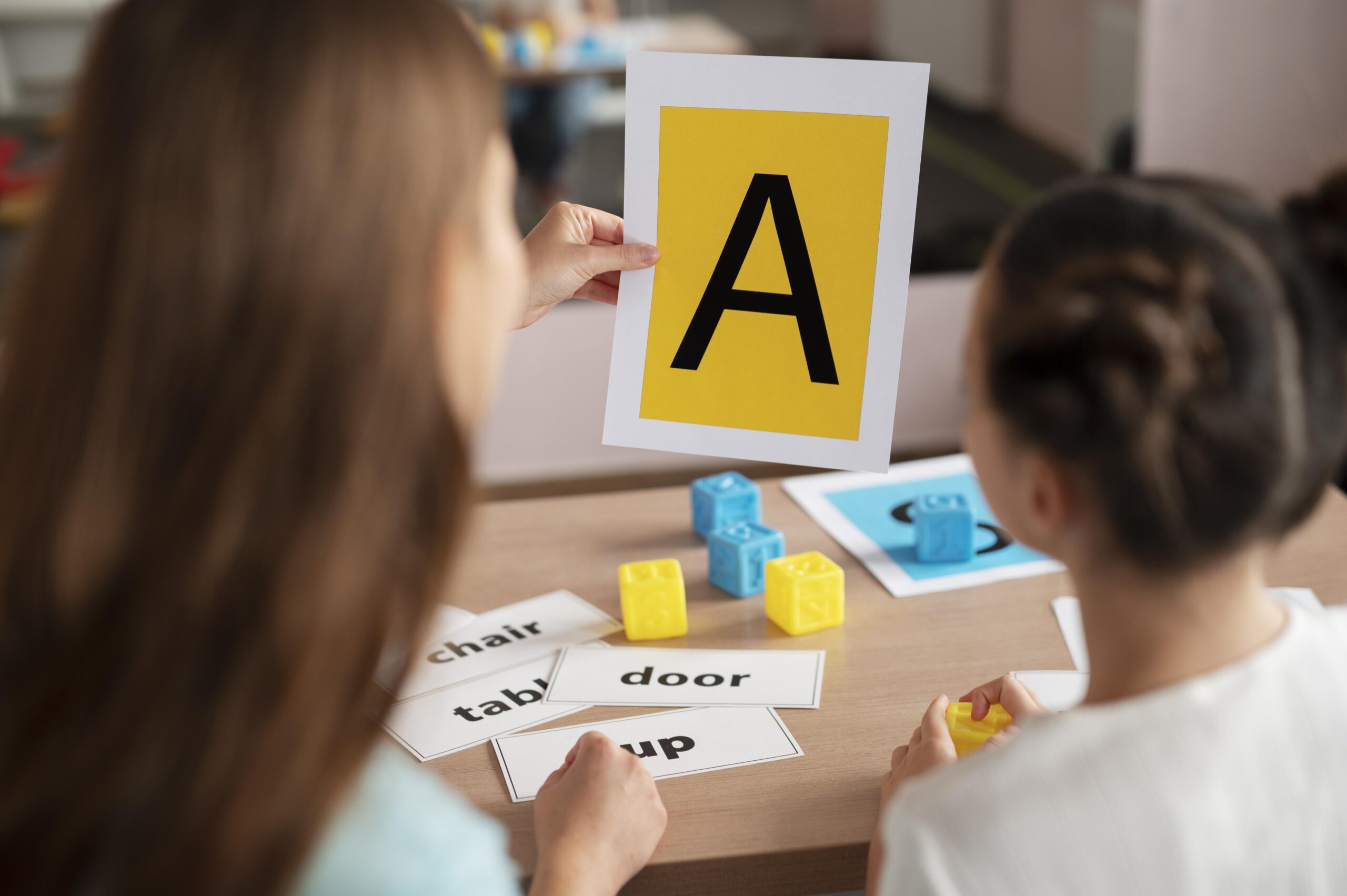
The AI output was linguistically “flat” -grammatically correct but devoid of local context. What did I do? I simplified the language for an A1- level while tailoring it to our school environment. I did, however, keep one AI suggestion: using emojis at the start of sentences. This served as vital scaffolding for struggling readers, helping them decode meaning before tackling the English words.
3. Upgrading the Challenge (The Exercises)
AI loves “safe” exercises like True/False and gap-fills. My contribution? I transformed these from passive clicks into active learning:
● From Guessing to Evidence: I required the students to underline textual evidence for their T/F answers. Only a teacher can bridge the gap between getting an answer right and mastering the strategy of scanning.
● From Recognition to Recall: I removed the word bank from the AI’s gap-fill and moved the task to Puzzel.org. Now, the students had to perform active recall rather than just “playing.”
4. Bridging the Differentiation Gap
AI lives in a vacuum. Here’s where my role became crucial. To support every learner, I brought in human elements:
● Audio Support for Everyone: I used Natural Readers specifically for its synchronized highlighting feature. While the AI provided the text, I knew my struggling readers needed to see the words ‘light up’ as they heard them to build the grapheme-phoneme correspondence. This turned an intimidating block of text into something my students with learning difficulties could actually manage.
● The Visual & Vocabulary Hook: The AI suggested a matching exercise with school rooms and emojis. I kept it, but only after tailoring the vocabulary to our specific school. This provided a vital safety net for my visual learners.
● Gamifying the Vocabulary: The AI suggested a standard, printed word search. Knowing my students needed more engagement, I adapted the vocabulary to our specific rooms and moved it to Word Search Labs. This pivot from a static handout to a digital challenge made practice feel like a game.
● The Kinesthetic Break: We stepped away from the computers for Pantomime. We acted out verbs like run and walk. The screen was the starting point, but the movement was where the language actually came to life.
5. The Creative Leap: From Facts to Dreams
The AI’s final suggestion was dry: “Write three sentences about the school room you liked most.” What was left for me? This was where the real work began, so I saved it for a follow-up lesson. Realizing that simply reporting facts leads to boredom, I moved the task to StoryJumper. Students were given a creative mission: to design and describe their “dream” school rooms. By using a platform that allows for illustration and narration, I transformed a dry grammar goal into a project they actually wanted to “own.”
To wrap up, we returned to Mentimeter for peer evaluation. The students didn’t just vote on the “look”; they evaluated text accuracy, visuals, and presentation. Most importantly, they assessed each group’s collaboration: how their classmates handled tension, volume, and respect during disagreements. Seeing the feedback on all these criteria displayed on screen provided the authentic audience they needed.
How do you know when the “Human Eye” worked? I call it the Bell Test. When the bell rang, nobody rushed out. They stayed in their seats, asking, “When are we going back to the computer room?” AI provided the skeleton, but it took a teacher to give it a heartbeat.
Conclusions: Teacher as the Captain
AI is the raw material, not the final lesson. ChatGPT provides the “ore,” but the teacher refines it into “gold.” It may offer the draft, but the human eye provides the precision. AI is a capable co-pilot, but the teacher remains the captain—the one who selects, tweaks, and gives “soul” to the digital output.